Schnick

Help

First steps, guides and the most common questions. Anything else by email.

Getting started

  1. Read the opponent. Each opponent's quirk is written under their name. It tells you what they will probably play.
  2. Play a sign. You draw three signs from your deck and play one. Both sides reveal at the same time.
  3. Build your deck. After every win you buy new signs, rings and plasters in the shop.

Guides

Play a duel

  1. In the Play tab, tap “New run”.
  2. Read the opponent's quirk under their name.
  3. Tap one of the signs under “Your hand”. After Schnick, Schnack, Schnuck both sides reveal.
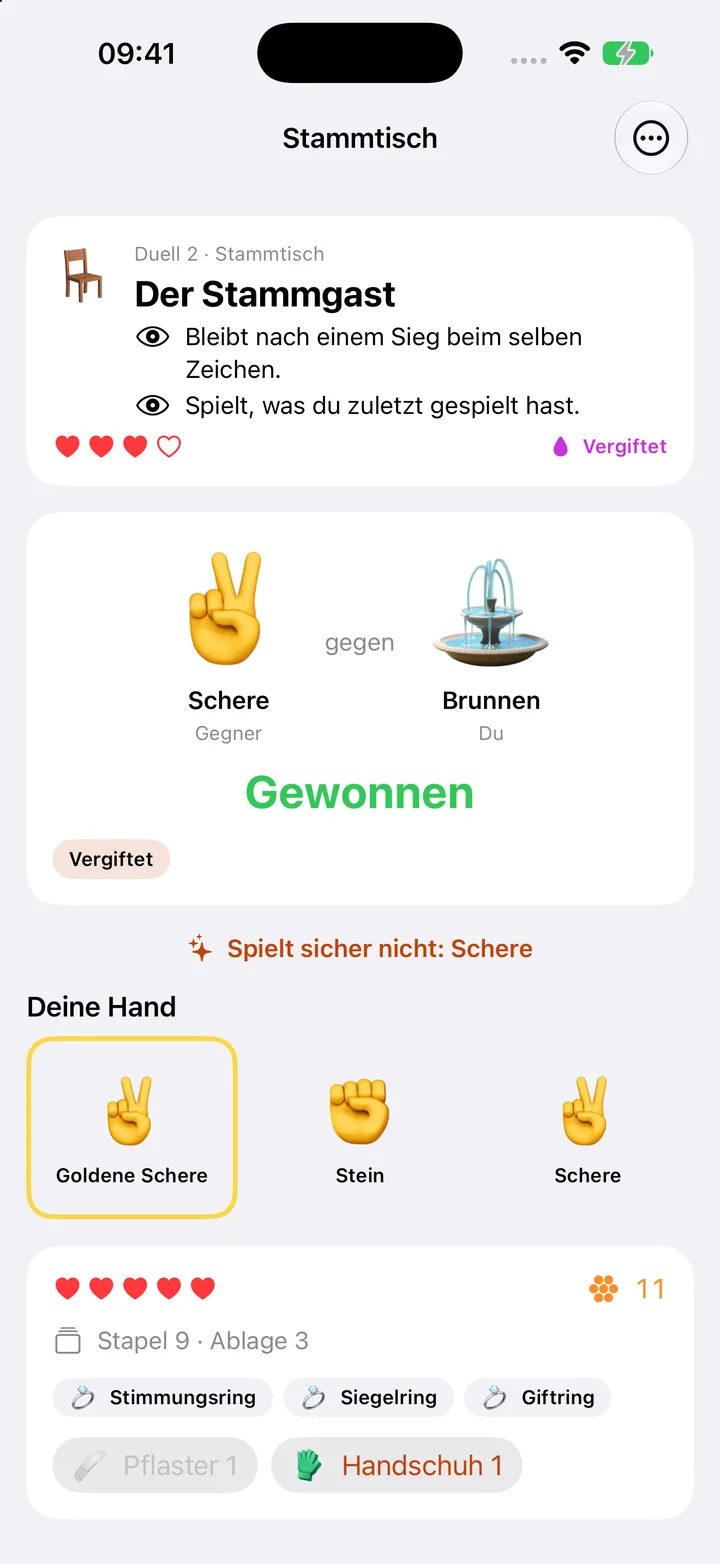
Play a duel

Shop

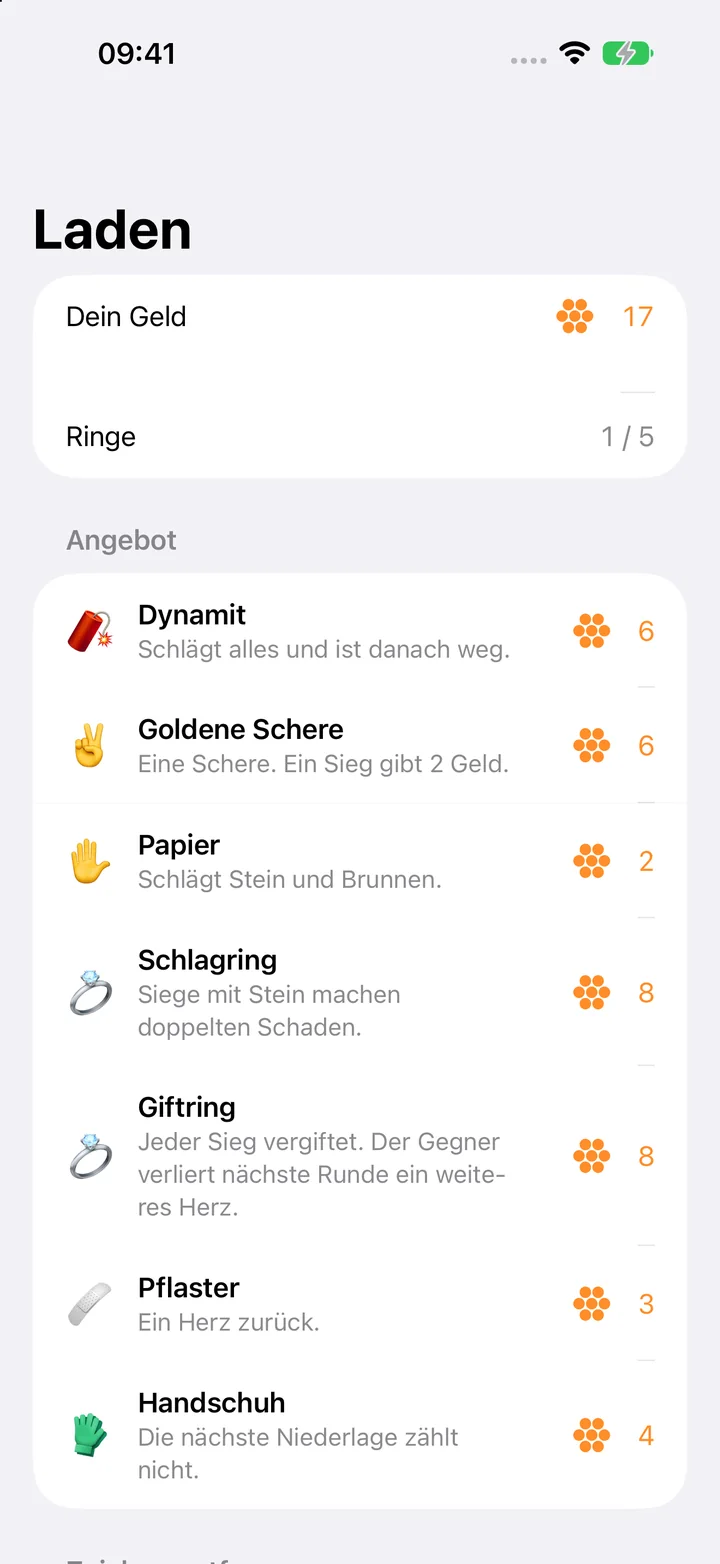
  1. After a won duel, tap “Continue”.
  2. Tap an offer to buy it with gold.
  3. Under “Remove a sign”, tap a sign to take one out of your deck.
  4. Tap “On to the next duel”.
Shop

Use plaster and glove

  1. In a duel, tap “Plaster”, “Hand Cream” or “Glove” at the bottom.
  2. The plaster only works when a heart is missing.

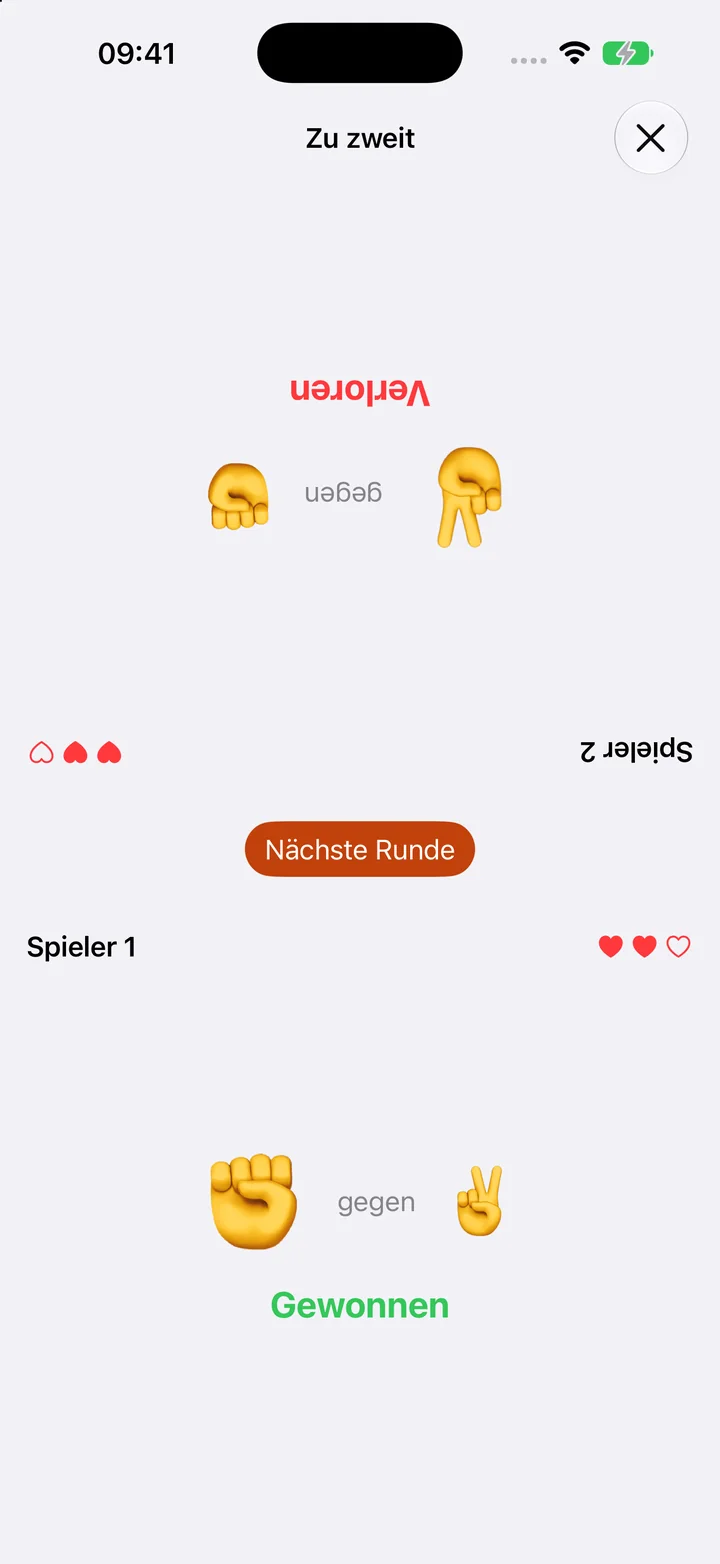
Play with two players

  1. Open the Two players tab.
  2. Choose “Classic” or “With decks” and tap “Start game”.
  3. Each player taps a sign on their half. Then both are revealed at once.
Play with two players

The daily run

  1. In the Play tab, tap “Daily run”.
  2. Everyone plays against the same opponents on that day.

Frequently asked questions

What is free?

The first tournament, the Schoolyard, and two players on one device. Pro unlocks the other three tournaments, all signs and rings and the daily run.

Does the app need an account?

No. Your game stays on your device only.

What happens to my run if I do not buy Pro?

It waits after the Schoolyard. If you buy Pro later, it continues from there.

How do I delete everything?

Delete the app. Your game and records are gone with it.

Restore purchases

Open Settings in the app, tap the purchase and choose “Restore purchases”. It needs the same Apple Account you bought it with.

Contact

A question, a bug, a wish: write to us.

schnick@bognar.net